
How to Choose the Right Website Builder for Your Business
Choosing a website builder is one of the first important decisions you will make when bringing a business online. The platform affects how quickly you can launch, how easily you can update the site, what features you can add, and how much control you will have as the business grows.
The difficult part is that there is no single builder that works equally well for every company. A local service provider may only need a professional five-page website with a contact form. A photographer may care more about visual presentation, while an online publisher may need advanced content management. A growing company may eventually require custom integrations, multiple user roles, or complete control over hosting.
Wix, Squarespace, Weebly, uKit and WordPress all approach website creation differently. This guide explains their strengths, limitations and ideal use cases so you can choose a platform based on your actual business needs rather than advertising promises.
Start With Your Business Requirements
Before comparing individual platforms, define what the website needs to accomplish.
Consider the following questions:
- Will the website primarily present services or sell products?
- Do you need appointment booking, payments or customer accounts?
- Who will update the website after launch?
- How important is complete design customization?
- Will you need a blog or a large content library?
- Do you expect to add custom features later?
- How much ongoing maintenance can your business handle?
- Would moving the site to another platform become necessary in the future?
A builder that feels convenient during the first week may become restrictive once the website grows. At the same time, choosing the most technically flexible platform can create unnecessary maintenance for a small business that only needs a reliable online presence.
The goal is not to find the platform with the longest feature list. It is to find the platform whose limitations are unlikely to interfere with your plans.
Website Builder Comparison at a Glance
| Platform | Best For | Ease of Use | Customization | Maintenance |
| Wix | Most small and growing businesses | High | High | Low |
| Squarespace | Creatives and design-focused brands | High | Medium | Low |
| Weebly | Existing basic websites | High | Low | Low |
| uKit | Small service businesses and simple company sites | Very high | Medium | Low |
| WordPress | Content-heavy and highly customized projects | Medium to low | Very high | High |
1. Wix: The Best All-Around Choice for Most Businesses
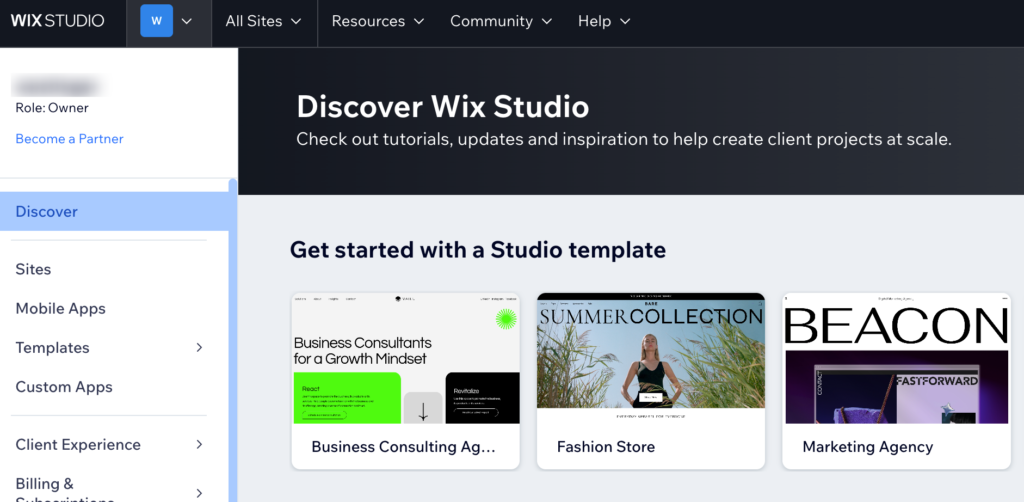
Wix is one of the most versatile hosted website builders available. It combines visual editing, hosting, templates, business applications, marketing tools and AI-assisted website creation within one ecosystem. Its current platform includes more than 2,000 templates, built-in AI tools and options for creating business websites, portfolios, blogs, booking sites and online stores.
The editor gives users considerable control over page layouts without requiring code. You can position elements visually, customize sections and add functionality through built-in tools or applications. This makes Wix suitable for businesses that want to launch quickly but do not want their website to look overly standardized.
Wix is particularly strong for:
- Local service companies
- Restaurants and hospitality businesses
- Consultants and independent professionals
- Appointment-based businesses
- Small and medium online stores
- Portfolios and company websites
- Businesses that want integrated marketing tools
Hosting, security and technical updates are handled by the platform. A business owner can therefore focus on content, products and customer communication rather than server administration.
Wix also offers room to grow. A simple informational website can later gain online payments, bookings, member areas, email campaigns or more advanced content collections. Wix Studio provides additional design and workflow capabilities for agencies and professional teams managing multiple client projects.
Where Wix Is Less Flexible
The convenience of Wix comes from its closed infrastructure. You cannot move the complete website design to independent hosting, and the site remains connected to the Wix ecosystem. Businesses that eventually require a fully custom server environment or unrestricted backend development may outgrow it.
However, for companies that value a balance of usability, design control and built-in business functionality, Wix is often the safest general-purpose choice.
Choose Wix when: you need a professional and feature-rich business website that can be managed without constant technical maintenance.
2. Squarespace: Best for Design-Focused Brands
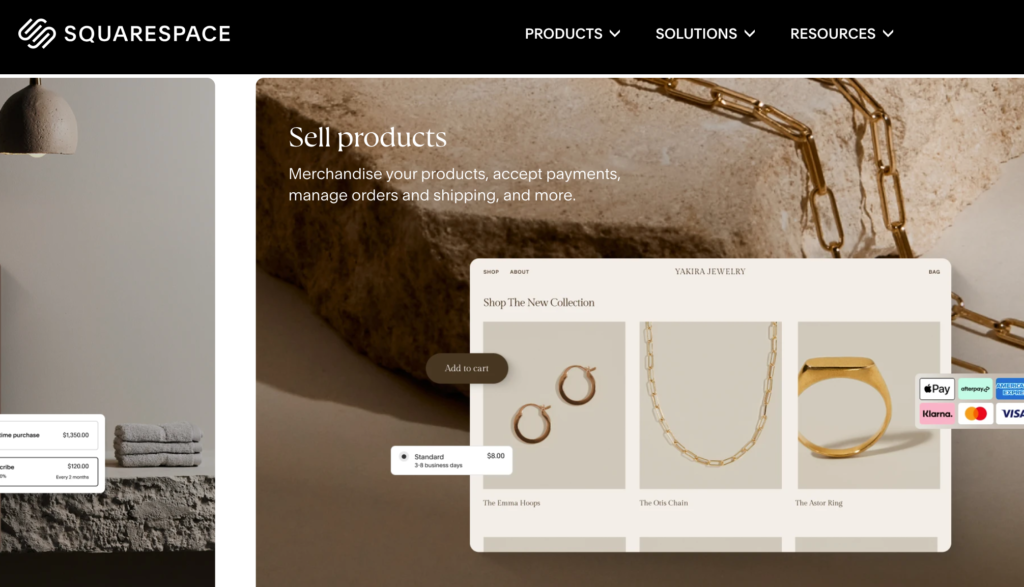
Squarespace is known for polished templates and visually consistent layouts. Its editor allows users to customize colors, typography, images and page sections through a visual interface. The platform also provides an AI website builder, pre-built layouts, ecommerce features, blogging tools and marketing capabilities.
It is especially suitable for businesses where presentation is central to the customer experience. Photographers, architects, interior designers, restaurants, wedding professionals and creative studios can build elegant websites without having to design every element from the ground up.
Squarespace works well for:
- Photographers and artists
- Designers and creative agencies
- Personal brands
- Restaurants and event businesses
- Service professionals
- Small product catalogs
- Blogs and editorial portfolios
The structured design system is both a strength and a limitation. It helps users maintain visual consistency, even when they have little design experience. Pages are less likely to become cluttered because elements follow established layout rules.
The platform also includes tools for stores, customer accounts, inventory, shipping and digital products. Businesses can combine their website, content and basic commerce operations without assembling a collection of third-party plugins.
Where Squarespace Is Less Flexible
Squarespace provides less freedom than Wix when you want to position and customize every individual element. Its ecosystem is also more controlled than WordPress, so highly specialized functionality may require custom code or an external service.
It is excellent for attractive marketing websites but may not be the first choice for businesses expecting unusual workflows, complex databases or extensive third-party development.
Choose Squarespace when: premium visual presentation matters more than complete technical flexibility.
3. Weebly: A Former Favorite That Has Lost Momentum
Weebly was once one of the most recognizable website builders for beginners. Its straightforward drag-and-drop editor helped individuals and small companies create websites at a time when most alternatives were considerably more complicated.
The platform still allows users to build basic websites, blogs and stores, and its simple editor remains accessible. Existing Weebly sites can continue operating, and the company states that it currently has no plans to discontinue the classic builder.
However, Weebly is no longer the forward-looking product it once was.
The clearest signal comes from Weebly’s own support documentation. Although the company says the builder is not being discontinued, it encourages customers to create new websites with Square Online instead. This suggests that development attention has shifted away from the classic Weebly platform.
Compared with Wix, Squarespace and newer business-focused builders, Weebly increasingly feels dated. Its design system offers fewer contemporary options, its customization is limited, and the classic editor has not evolved at the same pace as its main competitors.
This creates several concerns for a new business:
- The platform’s long-term product direction is unclear.
- Its templates and editing experience can feel outdated.
- Advanced design customization is limited.
- Businesses may need to rebuild when their requirements expand.
- New ecommerce projects are being directed toward Square Online.
- Competitors provide more active ecosystems and modern creation tools.
Weebly may still be acceptable for maintaining a small existing website that performs a limited function. It is harder to recommend for a new business project expected to represent the company for several years.
Many owners of older Weebly websites are now evaluating more actively developed platforms. For a company that wants improved design tools, stronger business features and a clearer growth path, weebly-to-wix.com can be a practical way to modernize its online presence without remaining tied to an increasingly stagnant builder.
Migration usually involves transferring content, rebuilding layouts, reconnecting the domain, recreating forms and establishing redirects for important URLs. Weebly permits users to download a site archive, but an exported archive does not reproduce the editable website automatically on another hosted builder.
Choose Weebly when: you already have a simple Weebly site that still meets your needs. For a completely new business website, the other platforms in this comparison offer stronger long-term prospects.
4. uKit: Best for Straightforward Small Business Websites
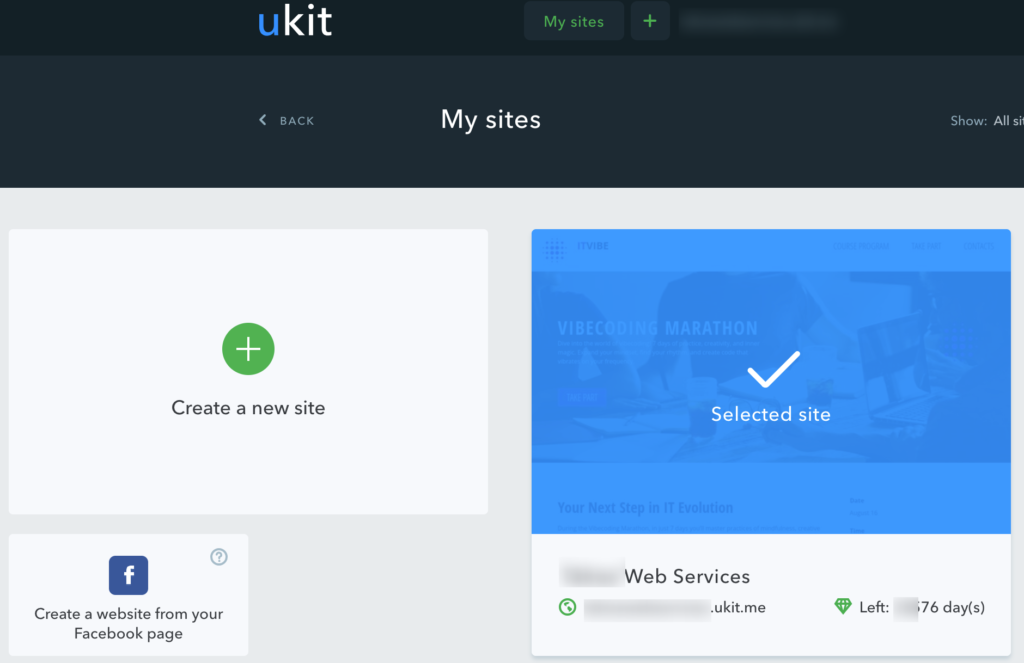
uKit is designed specifically around the needs of small businesses. It focuses on making it possible to build a professional company website without coding, hosting administration or advanced design skills.
The platform includes a visual drag-and-drop editor, responsive designs, forms, widgets, live chat integrations, analytics connections and SEO settings. Its official website presents more than 350 designs across dozens of business categories, giving users a practical starting point for service websites, landing pages, portfolios, catalogs and small stores.
uKit is well suited to:
- Local contractors
- Cleaning and maintenance companies
- Consultants and coaches
- Beauty and wellness businesses
- Small agencies
- Restaurants and cafes
- Freelancers
- Companies that need a simple service catalog
One of uKit’s main advantages is focus. It does not try to turn every user into a developer. Instead, it provides ready-made sections and business-oriented elements that can be combined into a clear, mobile-friendly website.
Hosting is included, and the platform handles the technical environment. Forms, callback buttons, pop-ups and contact tools can be added through the editor. This makes uKit useful for businesses whose main goal is to explain their services and generate inquiries.
The structured editor also protects inexperienced users from many common design mistakes. Although this means less pixel-level freedom than Wix, it makes it easier to maintain clean spacing, consistent typography and mobile responsiveness.
Where uKit Is Less Flexible
uKit is not intended to replace a complex content management system or custom application framework. Companies that require extensive databases, unusual membership systems, sophisticated publishing workflows or custom server-side functionality will need a more flexible platform.
Its strongest use case is a focused small business website rather than a technically complex digital product.
Choose uKit when: your business needs an affordable, attractive and manageable website for presenting services and collecting leads.
5. WordPress: Best for Ownership and Maximum Flexibility
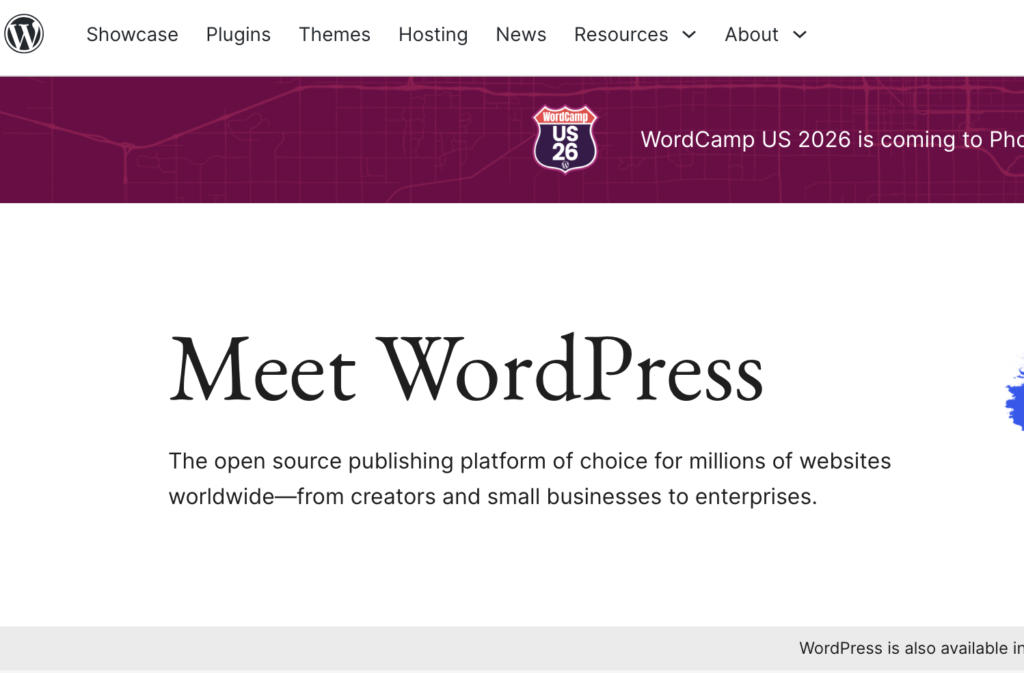
WordPress is different from the hosted builders above. The open-source WordPress software can be installed on a hosting provider of your choice, giving you control over the website’s files, database, themes and technical environment.
Its theme and plugin systems allow WordPress to support an enormous range of projects. It can be used for blogs, company websites, online publications, membership platforms, directories, learning systems and ecommerce stores. Developers can create custom themes, plugins, content types and integrations through WordPress APIs.
WordPress is particularly appropriate for:
- Content-heavy websites
- Large blogs and online publications
- Businesses requiring custom functionality
- Membership and course platforms
- Complex ecommerce projects
- Multilingual websites
- Companies that need control over hosting
- Projects with a dedicated developer or technical team
The primary advantage is independence. You can select your host, modify the code, change developers and move the website to another compatible server. WordPress also includes tools for exporting posts, pages, comments, custom fields, categories and other content for import into another WordPress installation.
Where WordPress Is More Demanding
WordPress flexibility creates additional responsibility. The website owner must account for hosting, security, backups, software updates, performance and plugin compatibility. Poorly selected plugins or neglected maintenance can create conflicts and security risks. Even the official documentation warns that incompatible or unreliable plugins can cause problems and recommends maintaining complete backups.
Managed WordPress hosting and professional maintenance can reduce this burden, but they add ongoing costs. A WordPress site may therefore be more expensive and time-consuming than a hosted builder, especially when custom development is involved.
It is also important to distinguish self-hosted WordPress.org from WordPress.com. Self-hosted WordPress provides the greatest control, while WordPress.com packages the software into a more managed service with plan-dependent limitations.
Choose WordPress when: ownership, portability and advanced customization justify the extra maintenance.
How to Match a Builder to Your Business
The final choice becomes easier when you connect the platform to a specific business scenario.
You Need a Versatile Website That Can Grow
Choose Wix. It offers one of the strongest balances of visual freedom, business applications, AI tools and managed infrastructure.
Your Brand Depends on Visual Presentation
Choose Squarespace. Its structured templates and typography controls are well suited to portfolios, hospitality and creative services.
You Need a Simple Small Business Website
Choose uKit. It is practical for service companies that want to launch quickly and manage content without technical work.
You Need Complete Control or Custom Functionality
Choose WordPress. It demands more maintenance but provides the most ownership, extensibility and hosting freedom.
You Are Considering Weebly for a New Website
Look at the alternatives first. Weebly still works, but the classic builder has lost momentum, and its own support materials direct new site creation toward Square Online. Wix or uKit will usually provide a more modern route for a straightforward business site, while WordPress is stronger for complex projects.
Think Beyond the Initial Launch
Many businesses select a website builder based only on how quickly they can publish the homepage. A better decision considers what will happen over the next three to five years.
Your website may eventually need:
- Additional service pages
- Online booking or payments
- Customer surveys and lead forms
- A multilingual version
- Marketing integrations
- A product catalog
- A larger blog
- New team members
- A complete redesign
- Migration to another system
Switching platforms later is possible, but no migration transfers every layout, application and setting perfectly. Selecting a suitable foundation at the beginning can save considerable rebuilding work.
It is also important to consider who will manage the site. A platform is not truly convenient when every small text change requires a developer. For many small companies, a builder such as Wix, Squarespace or uKit provides enough flexibility while allowing the owner or marketing team to handle everyday updates.
WordPress becomes more attractive when the business has the resources to manage its technical advantages properly.
Final Recommendation
For most small and medium businesses, Wix is the strongest all-around option because it combines ease of use with a broad set of business and design tools.
Squarespace is a better fit when refined visual presentation is the main priority. uKit is an efficient choice for straightforward service websites and local businesses that value simplicity. WordPress offers the greatest long-term control for companies prepared to handle its technical responsibilities.
Weebly, meanwhile, belongs to an earlier generation of website builders. It remains usable for existing basic sites, but its slow evolution and the company’s emphasis on Square Online make it a weak foundation for a new long-term project.
The right website builder is not necessarily the most powerful platform. It is the one that gives your business enough flexibility to grow without creating unnecessary cost, complexity or dependence on tools you do not need.