
Wix vs WordPress: Which One Gives You More Freedom?
Freedom in website building can mean different things: design flexibility, control over hosting, ownership of content, or the ability to scale without restrictions. For some, freedom is about creative expression – having the power to customize every detail. For others, it’s about independence – not being locked into a platform.
In 2025, the question of whether Wix or WordPress gives you more freedom is more relevant than ever. Both platforms enable you to build functional, professional websites, but they approach freedom in opposite ways. Wix emphasizes ease and simplicity, while WordPress prioritizes openness and control. Let’s look at how these differences play out in practice.
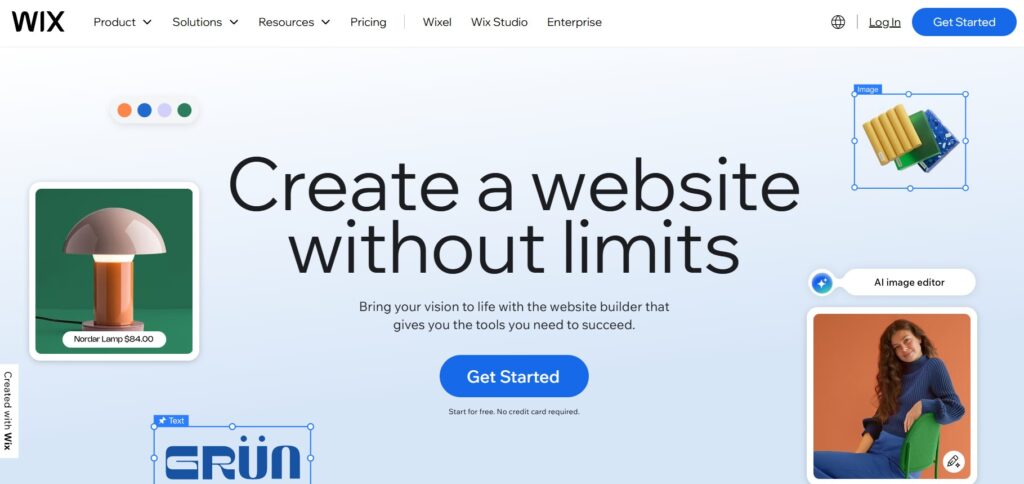
Wix gives beginners a strong sense of creative freedom at the design level. Its drag-and-drop editor allows you to move elements anywhere on the page, making it possible to build visually distinct layouts without touching code. For many newcomers, this feels empowering: you can adjust fonts, colors, and layouts instantly, seeing the results in real time. The extensive library of templates and apps also plays a major role. Whether you’re running a restaurant, a fitness studio, or an online store, Wix provides ready-made solutions that help you launch quickly without reinventing the wheel.
However, this design freedom comes with boundaries. Wix is a closed ecosystem: your site is always hosted on Wix’s servers, customization is limited to the Wix App Market, and migration options are very restricted. This model makes the platform stable and predictable – beginners don’t have to think about servers, updates, or security patches – but it also reduces independence. For developers or businesses that may want to move their website in the future, this can feel like a lock-in.
Community opinions reflect this trade-off. Many small business owners describe Wix as freeing because it removes technical headaches: no servers, no broken plugins, no constant updates. But developers often push back, arguing that this kind of “freedom” is shallow – you gain ease of use but sacrifice deeper control over your site’s infrastructure. Thus, one user wrote on Reddit: “Wix is beginner friendly. You can literally make your own website … in just a few hours even if it’s your first time.” These candid perspectives highlight how freedom can mean convenience for some and restriction for others.
Wix Freedom Options: Pros and Cons
Freedom Option | Pros with Wix | Cons with Wix |
Design Freedom | Drag-and-drop editor, flexible layouts, instant results. | Limited backend customization, no full code access. |
Content Management | Easy-to-use templates and app integrations. | Content tied to Wix platform; export options limited. |
Technical Maintenance | Hosting, security and updates are handled automatically. | No access to servers or ability to switch providers. |
Scalability | Suitable for small to medium businesses. | Less adaptable for enterprise-level growth. |
For beginners, Wix delivers freedom in the form of simplicity and creative expression. You don’t need technical skills to build a professional website and you avoid the stress of managing servers or updates. But for users who define freedom as control and ownership, Wix falls short. Its closed ecosystem makes it less flexible in the long run, meaning the “freedom” it offers is immediate but not absolute.
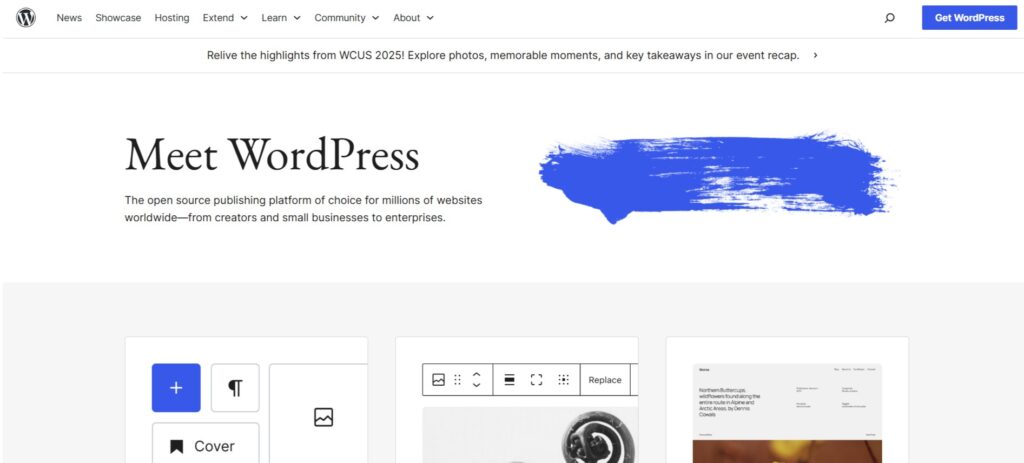
WordPress represents freedom in a deeper and more technical sense. Unlike Wix, it is an open-source platform, meaning that you control where your site is hosted, how it’s built, and how far it can grow. This independence is one of the reasons why WordPress powers over 40% of websites worldwide in 2025. For many, it offers not just a tool but an ecosystem that can be shaped to fit any project – from a small blog to a full-scale e-commerce platform.
The key strength of WordPress is unlimited customization. With more than 60,000 plugins and thousands of themes, you can add virtually any feature: SEO optimization, membership portals, learning management systems or advanced analytics. Developers can also edit the core code, integrate third-party APIs, and tailor the site down to the smallest detail. This is freedom at the infrastructure level, not just design.
Yet, this freedom comes at a cost. WordPress requires you to manage hosting, updates, and security yourself, unless you choose managed WordPress hosting. Beginners sometimes find this intimidating, but many argue that the responsibility is worth it for the independence it provides.
The balance is also reflected in professional reviews. In Cloudways’ brutally honest Wix vs WordPress comparison, the authors stress that WordPress demands more from its users, but in exchange it gives complete ownership, scalability, and freedom to adapt the site to any future needs.
WordPress and Freedom: Pros and Cons
Freedom Factor | Pros with WordPress | Cons with WordPress |
Design Freedom | Unlimited customization via themes, plugins, and code editing. | Steeper learning curve, requires more technical skill. |
Content Management | Full ownership of content, files, and hosting. | Requires regular updates and careful plugin management. |
Technical Maintenance | Choice of hosting, scalability from small to enterprise level. | Security and performance depend on user or managed host. |
Scalability | Suitable for projects of any size, from blogs to global brands. | Mismanagement can cause performance bottlenecks. |
WordPress provides true freedom through ownership and scalability. It is not the easiest path, but it is the most flexible. You are never locked into one provider and you can carry your site wherever you go. This makes WordPress ideal for professionals, developers and ambitious businesses that want full control over their digital presence. For beginners willing to invest in learning – or hire help – WordPress can be a platform that grows with them for years to come.
Comparing Freedom in Key Areas: Freedom Scorecard
When people talk about “freedom” in website building, they often mean different things: design creativity, control over data, or flexibility to scale. To make the comparison clearer, here’s a Freedom Scorecard that evaluates Wix and WordPress across five key areas, each rated on a scale from 1 to 5.
1. Design Freedom
- Wix: ⭐⭐⭐ (3/5) — Easy drag-and-drop design with lots of templates, but limited backend control.
- WordPress: ⭐⭐⭐⭐⭐ (5/5) — Full creative freedom with themes, plugins, and custom code.
2. Content Ownership
- Wix: ⭐⭐ (2/5) — Content is tied to Wix’s ecosystem; migration is difficult.
- WordPress: ⭐⭐⭐⭐⭐ (5/5) — Complete ownership of files, content and hosting.
3. Scalability
- Wix: ⭐⭐⭐ (3/5) — Suitable for small and medium projects, but not ideal for enterprise-scale growth.
- WordPress: ⭐⭐⭐⭐⭐ (5/5) — Scales from personal blogs to enterprise-level solutions with no hard limits.
4. Hosting & Infrastructure
- Wix: ⭐⭐ (2/5) — Hosting is bundled and fully managed; no server access.
- WordPress: ⭐⭐⭐⭐⭐ (5/5) — Users choose their hosting environment, from shared to enterprise-grade cloud.
5. Maintenance
- Wix: ⭐⭐⭐⭐ (4/5) — Almost zero maintenance; updates and security are automated.
- WordPress: ⭐⭐ (2/5) — Requires ongoing management of updates, security, and backups (unless you opt for managed hosting).
Overall Freedom Score
- Wix: 14/25 → Best for simplicity and short-term ease.
- WordPress: 22/25 → Best for long-term control, scalability, and true ownership.
As the scorecard shows, Wix excels at simplicity and low-maintenance design freedom, making it appealing for beginners and small businesses. However, WordPress consistently scores higher in areas like ownership, scalability, and infrastructure control, proving to be the stronger choice for those who want long-term independence. Ultimately, the right platform depends on which type of freedom matters most to you.
Platform Portability: What Happens When Your Needs Change?
A website platform may suit your business today but become limiting several years later. That makes portability another important part of digital freedom. The real question is not only what you can build now, but how easily you can change direction when your services, audience, or technical requirements evolve.
With WordPress, moving between hosting providers is relatively straightforward because you control the site files, database, themes, and content. A complete backup can usually be transferred to another compatible server without rebuilding the website from scratch. You can also replace plugins, change themes, or hire a different development team while keeping the same core platform.
Wix offers a more managed experience, but its websites are closely connected to the Wix ecosystem. You can export some content and business data, yet the design itself cannot simply be copied to another hosting environment. Moving away often means recreating page layouts, forms, applications, and store settings on the destination platform.
This does not automatically make Wix a poor choice. Many businesses value convenience more than portability and may never need to migrate. However, companies expecting complex integrations, rapid growth, or major redesigns should consider switching costs before launch. Platform freedom includes understanding not only how easily you can start, but also how easily you can leave.
Conclusion: Defining “Freedom” for Your Website
So, which platform gives you more freedom – Wix or WordPress? The answer ultimately depends on how you define freedom. For many beginners and small business owners, freedom means not having to worry about hosting, security, or updates, and simply being able to design a professional-looking site visually. In this sense, Wix delivers real value: its drag-and-drop builder, ready-made templates, and automated infrastructure remove the barriers that often make website creation intimidating. This version of freedom is about simplicity, speed, and the confidence that everything works without technical stress.
For others, freedom is tied to ownership and long-term scalability. WordPress represents this kind of independence, giving users full control of their content, the ability to move their site between hosts, and the flexibility to customize every feature through plugins, themes, or custom code. It requires more responsibility, but it also ensures that your website is never locked into a single provider or limited by platform restrictions. In 2025, Wix continues to offer freedom through convenience, while WordPress stands as the choice for those who equate freedom with control and growth. The best decision comes down to aligning the platform with your personal goals and definition of independence.
Note! If you start on one platform and later realize you need more (or less) freedom, it’s possible to migrate your site. Services exist to help transfer content from Wix to WordPress – https://wordpresstowix.pro/ or vice versa – so your first choice doesn’t have to be your last.