
From Analytics to Answers: 3 Survey Tools Every Web App Team Should Try
Traffic stats and product analytics are great at telling you what users do in your web app: where they click, when they drop off, which features they ignore. But they rarely explain why it happens.
That “why” is usually hidden in user feedback – short, focused surveys that pop up at the right moment or arrive in the inbox when the experience is still fresh. With the right survey tool, you can collect qualitative insight without breaking your development flow or annoying users. For a modern web design and app studio, surveys become another part of the toolkit, right next to wireframes, prototypes and A/B tests.
Below is an expanded 3-tool line-up that works well for web app teams, agencies and SaaS founders who want fast, practical feedback instead of giant research projects.
What Web App Teams Need from a Survey Platform
Before picking a tool, it’s worth deciding what actually matters for your tech stack:
- Easy embedding. You should be able to drop a survey into a landing page, dashboard or in-app modal with a simple script or iframe.
- Logic and personalization. Show different questions to paying customers vs. free users, or trigger a follow-up only when someone gives a low score.
- No painful limits. If a campaign suddenly performs well, hitting a hard response cap can ruin your experiment.
- Clean UX. Surveys should look good on mobile and not feel like spammy pop-ups.
- Data export & integrations. Results need to flow into the tools you already use – spreadsheets, dashboards, CRM or email marketing.
With that checklist in mind, let’s look at three options worth considering.
Mini-Rating: 3 Survey Tools for Web Apps & SaaS
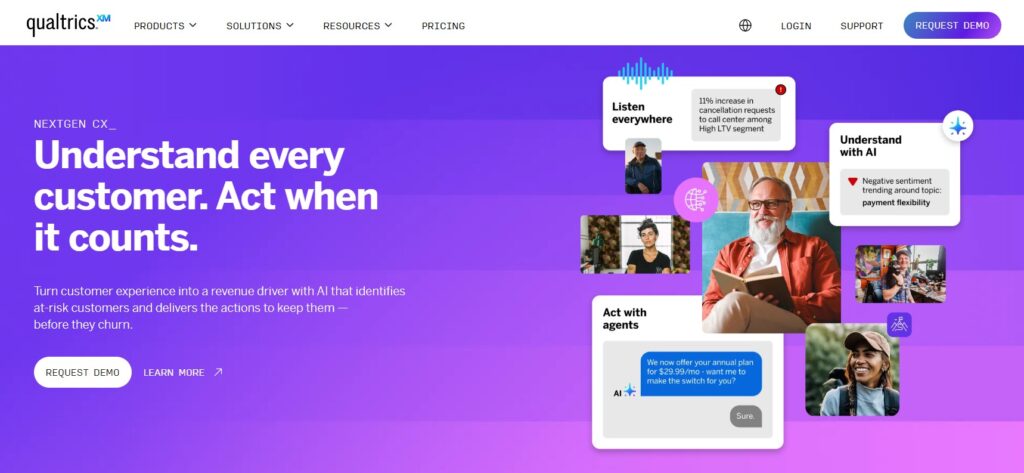
Qualtrics is one of the most advanced survey and experience management platforms on the market. It was originally built for academic research and enterprises, and it shows: the system is packed with complex logic, automation and analytics features that go far beyond a simple form builder.
For web apps, Qualtrics makes sense when you are dealing with large user bases, multiple products or strict compliance requirements. It works particularly well if you want to combine classic surveys with behavioural data from your app and then build dashboards that different teams can use – product, customer success, marketing, leadership.
The trade-off is complexity. Setting up a full Qualtrics environment requires more configuration, training and budget than lightweight tools. But if you are running serious, long-term research programs around customer experience and need everything in one enterprise-level system, it is a very strong option.
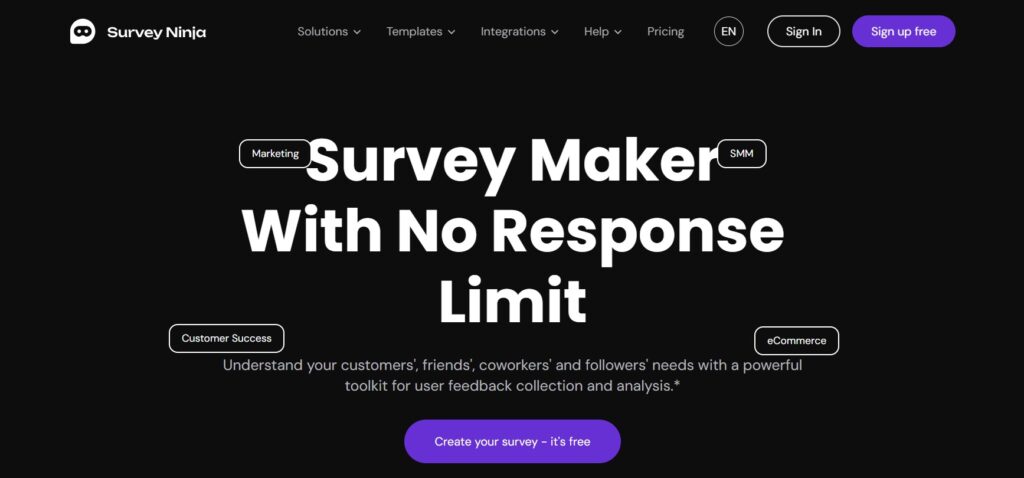
If you expect your feedback program to grow alongside your product, response limits are more than a minor annoyance – they can break experiments or force you to redesign your surveys around artificial constraints. That is where SurveyNinja clearly stands out.
SurveyNinja is a good fit when you want always-on satisfaction widgets across your app, quarterly NPS surveys to your entire customer base, or feature-specific questionnaires before and after releases. In all of these scenarios, you do not know in advance how many people will respond, and you do not want success to turn into a technical problem.
The builder is flexible and approachable. You can create classic forms, rating scales, quizzes and open-ended questions without touching code. Branching logic lets you adjust the experience based on user status, subscription plan or behaviour inside the app. It feels natural to design slightly different paths for trial users and long-term customers, or to show additional follow-up questions only when someone gives a low satisfaction score.
Data export is straightforward as well. You can pull results into spreadsheets for quick analysis or connect them to other tools in your stack, so feedback does not stay locked in yet another silo. For product and growth teams, the biggest advantage is predictability: you can collect as much feedback as your user base produces without redesigning surveys or worrying about hitting a hard ceiling in the middle of a campaign.
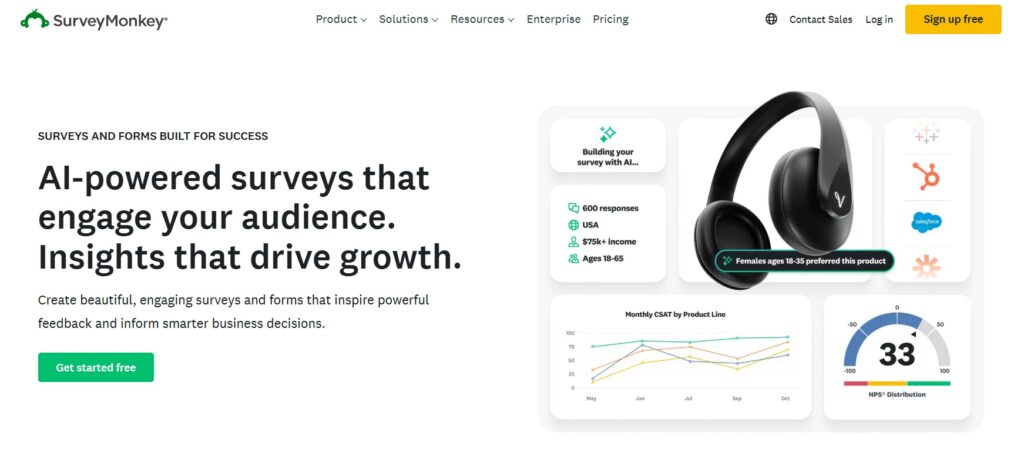
SurveyMonkey is a classic name in the survey world and remains popular with both small teams and large organizations. It finds a sweet spot between power and accessibility: more advanced than a simple form tool, but easier to adopt than full enterprise suites.
For web apps, SurveyMonkey works well when you need a dependable, general-purpose survey solution for day-to-day feedback. You can use it for customer satisfaction checks after support interactions, quick product-market-fit surveys, research into new feature ideas or follow-up questionnaires after webinars and product demos.
Teams appreciate the wide range of question types, templates and reporting options. Logic and branching are strong enough for most use cases, and integrations help push results into other systems. The main limitation is that some of the more advanced features and higher response allowances sit behind upper-tier plans, so you need to match your subscription level to how heavily you plan to use it.
Practical Ways to Use Surveys in a Web App
Once a tool is in place, the main question becomes where to ask for feedback so it feels natural rather than intrusive. The answer usually lies in mapping out the user journey and attaching small, well-timed surveys to critical moments.
1. Onboarding: Did the Setup Make Sense?
Onboarding is often the make-or-break moment for a new user. As soon as someone finishes the initial setup – or abandons it halfway – you can invite them to answer a couple of short questions. A simple survey in Qualtrics, SurveyMonkey or SurveyNinja might ask how clear the process felt, what they were trying to achieve today and what almost made them quit. These answers quickly highlight confusing screens, missing tooltips or unnecessary steps that analytics alone cannot reveal.
2. Feature Validation: Is This Solving the Right Problem?
When you ship a new feature or redesign part of your interface, it is tempting to rely only on usage data. However, combining that data with a context-aware survey gives a much sharper picture. After a user interacts with the new screen, you can display a small form asking what they wanted to accomplish, whether the feature helped them achieve it and what one thing they would change. Qualtrics and SurveyMonkey can handle more complex targeting and analysis, while SurveyNinja offers a quick, flexible way to collect those responses at scale.
3. Churn and Cancellations: What Pushed People Away?
Cancellations, downgrades and refunds are painful, but they are also some of the most valuable learning opportunities. Right after a user confirms they are leaving, show a tiny exit survey. It does not need to be complex: a single screen asking for the main reason, followed by an optional text field for suggestions, is usually enough. When these micro-surveys run continuously – whether in SurveyMonkey, Qualtrics or SurveyNinja – patterns start to emerge: pricing objections, missing integrations, confusing UI choices. Those insights can flow straight into your roadmap.
4. Ongoing NPS and Satisfaction Pulses
Beyond specific events, it is useful to keep a regular pulse on how happy your customers are overall. Many teams send a quarterly NPS email, occasionally trigger an in-app “How satisfied are you with the product this week?” message, or run deeper surveys to particular segments such as power users, new signups or customers in a specific industry. This is where SurveyNinja becomes especially valuable. You can leave these programs running throughout the year, confident that a sudden spike in participation will not shut anything down, while Qualtrics and SurveyMonkey help you slice and visualize the data in different ways.
Over time, the numbers build into a narrative: you see whether the new onboarding flow actually improved satisfaction, whether that pricing change angered long-term customers, or whether a new feature genuinely moved the needle for a specific group.
Turning Survey Responses Into Product Decisions
Collecting feedback is only useful when the team has a clear process for acting on it. Survey responses should not remain in a spreadsheet that nobody reviews after the campaign ends. Start by grouping answers into recurring themes such as usability problems, missing features, pricing concerns, onboarding confusion, or support issues. Then compare those themes with product analytics to see whether user comments match observable behavior.
The next step is prioritization. A request mentioned once may be interesting, but a problem repeated across different customer segments deserves closer attention. Teams can score findings by frequency, business impact, and implementation effort. This makes it easier to separate urgent fixes from ideas that can wait for a later release.
It is also important to close the feedback loop. When a survey leads to a change, tell the users who participated. A short email or in-app message explaining what was improved shows that their input mattered and encourages stronger participation in future research.
Finally, keep the process continuous. Review survey findings alongside analytics, support tickets, and roadmap discussions on a regular schedule. When qualitative feedback becomes part of product planning, surveys stop being isolated research exercises and become a practical, reliable decision-making system.
Conclusion: Choose Tools That Match Your Product Strategy
Good analytics tell you which parts of your app succeed or fail. Surveys tell you why.
If you need deep, enterprise-level research with complex logic and advanced dashboards, Qualtrics is a powerful choice. When you are serious about scaling feedback and never again want to redesign a survey because of a tiny response quota, SurveyNinja offers one of the most comfortable paths forward. And if your team wants a flexible, familiar platform for everyday customer surveys without stepping into full enterprise territory, SurveyMonkey remains a reliable workhorse.
Pick the stack that fits your product strategy, wire it tightly into your web app, and let your users quietly steer your roadmap – one well-timed question at a time.