
Interactive Web Widgets That Turn Visitors into Clients
A good website is no longer just a pretty brochure. For most brands, the real work happens after a visitor lands: can the page start a conversation, qualify the lead, and move them toward a project brief or a purchase?
That’s where interactive widgets-quizzes, smart forms, and calculators-come in. Instead of asking visitors to “contact us” and hope for the best, you guide them through a short experience that responds to their answers in real time. The result might be a tailored package suggestion, a price estimate, or an assessment score that makes the next step obvious.
In this article we’ll look at three modern tools for building those kinds of experiences-involve.me, uCalc and Youengage-and how they fit into a web studio toolkit.
Why Interactive Widgets Belong in Modern Web Projects
Most marketing and product sites still rely on the same pattern: hero message, service list, testimonials, and a contact form at the bottom. It works, but it doesn’t help the visitor think through their problem.
Interactive content changes that dynamic:
- A calculator lets someone plug in their own numbers and see an instant result, instead of guessing from generic price ranges.
- A quiz or assessment helps them name their current situation: “Your onboarding UX is at Level 2/5,” or “You’re ready for a full rebrand.”
- A multi-step form can hide irrelevant fields, ask smarter follow-up questions, and feel more like a guided conversation than paperwork.
From the studio’s side, each completed interaction arrives with structured data: project size, budget expectations, technical stack, goals and timeline. That makes discovery calls shorter, proposals more accurate, and lead scoring far easier.
The nice part: you don’t need to build a custom app every time. No-code platforms can handle most of the heavy lifting, while you focus on UX and integration.
Three Types of Widgets You Can Reuse Across Clients
Before we compare tools, it helps to think in reusable patterns you can apply to many sites.
- Project Scoping Wizards. These walk prospects through goals, platforms, and features, then recommend a project type or rough budget range. Perfect for agencies, dev shops and SaaS vendors.
- Value & ROI Calculators. Here visitors enter metrics like traffic, conversion rate, or manual hours spent, and the widget shows potential uplift or savings. This works well for automation projects, CRO work and migration services.
- Diagnostic Quizzes & Maturity Assessments. A series of targeted questions results in a “score” and tailored advice: UX maturity, digital readiness, brand consistency and so on. Great for top-of-funnel education and segmentation.
Most no-code engagement platforms can do all three, but each leans in a different direction. That’s where involve.me, uCalc, and Youengage come in.
Three Platforms for Interactive Website Widgets
Below is a practical mini-rating of three services we like to use in web projects.
1. involve.me – Funnel Builder for Rich, Multi-Step Experiences
What it is
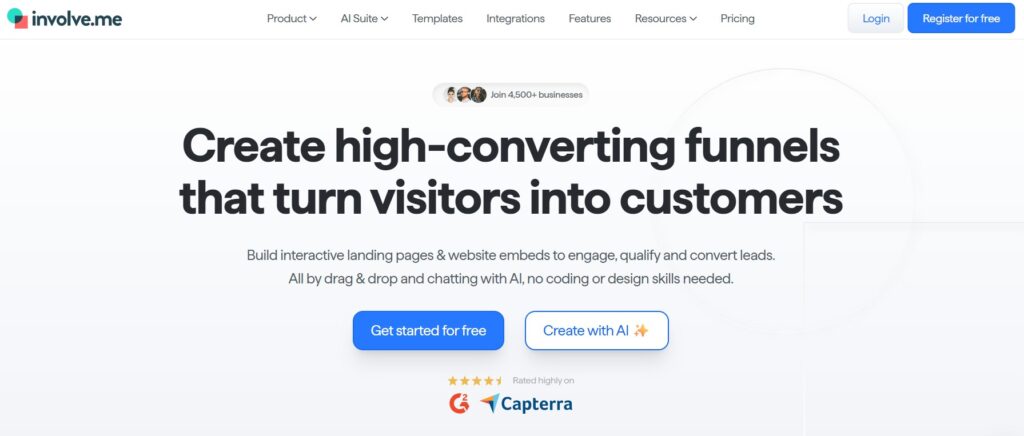
Involve.me is a no-code funnel builder for interactive landing pages, embeds, and widgets. You design projects with a drag-and-drop editor, combining elements like forms, quizzes, calculators, and surveys into one flow.
Where it’s strong
- Complex lead funnels. You can mix form fields, scoring logic, and calculator formulas inside the same project, then route users to different result screens depending on their answers.
- Deep customization. Layouts, colors, typography, and device-specific previews help you match a project to the host site’s visual language without coding.
- AI assistance and templates. involve.me now offers an AI funnel builder and 300+ templates, which is handy when you need to prototype quickly and then refine.
Typical use cases for a web studio
Think high-touch campaigns: a “Website Redesign Readiness Test” that ends with personalized recommendations, or a multi-page “SaaS ROI Planner” where each step combines questions, content, and calculations. involve.me is often the right choice when the widget feels almost like its own mini-landing page.
What it is
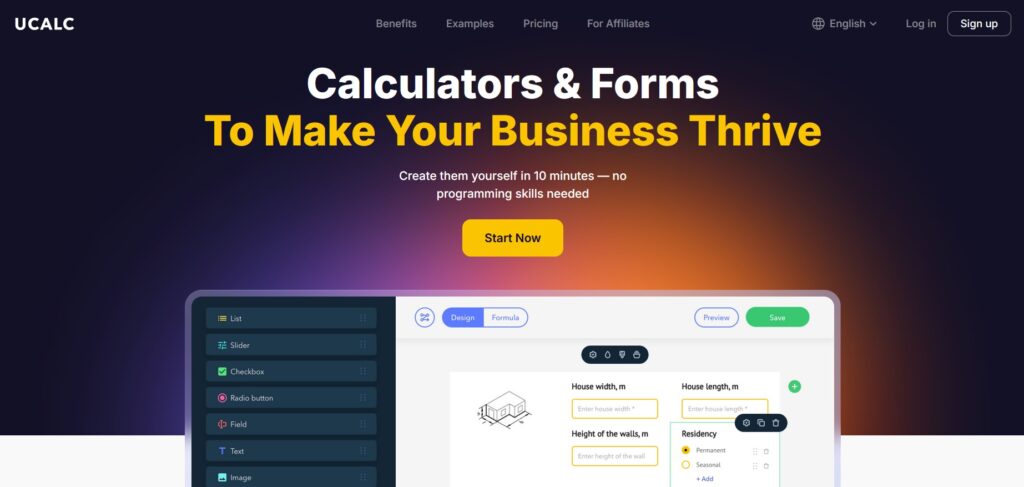
uCalc is an online builder of calculators and forms. It focuses on letting non-developers assemble cost estimators, order forms, and quiz-style widgets in a visual editor, then embed them into any website via a short code snippet.
Where it’s strong
- Service pricing & quote widgets. uCalc’s field set-sliders, numeric inputs, dropdowns, toggles, file uploads and more-works extremely well for “from-to” pricing on web design, development, or maintenance pages.
- Calculators + forms in one. The same widget can both show a calculated result and collect contact details or project notes, so you don’t need a separate form below the calculator.
- Payments and bookings. Reviews highlight built-in support for collecting prepayments, promo codes, a booking system and currency conversion. For some clients you can go straight from estimate to paid consultation.
Typical use cases for a web studio
uCalc is perfect for the “practical layer” of most sites: a web-design price estimator, a maintenance plan selector, or a simple ROI calculator inside a case study. It’s also friendly to hand off-marketing teams can tweak labels and price ranges directly in uCalc without touching the site’s code.
What it is
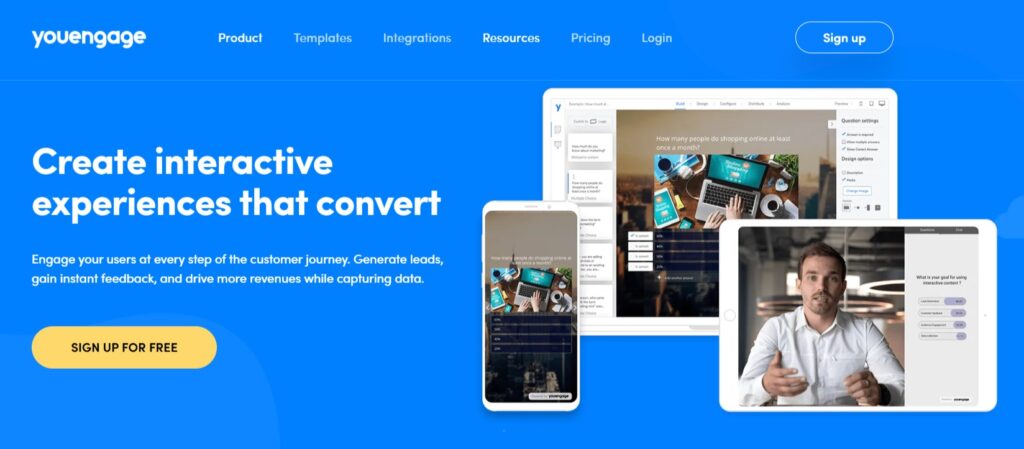
Youengage is a no-code platform for building quizzes, surveys, calculators, product recommenders, polls, and live Q&A for virtual events. It aims to “create interactive experiences that convert” across websites, campaigns and webinars.
Where it’s strong
- Versatile content types. Youengage supports quizzes, assessments, calculators, forms, polls, and interactive events from the same dashboard. That makes it appealing if a brand wants a unified engagement stack.
- Lead gen and data capture. The platform is built to generate leads and collect “zero-party” data you can push into marketing tools through integrations (for example via Zapier).
- Good for live and async. You can use the same experiences in real-time sessions-like webinars or workshops-and later as on-page widgets.
Typical use cases for a web studio
Youengage is particularly good when a client wants interactive content everywhere: a quiz in a blog post, a poll on a landing page, a calculator in the pricing section, and live Q&A during product demos. You design the experiences, and their marketing team iterates on content over time.
Where Online Surveys Fit Into an Interactive Website
Calculators and quizzes are useful when visitors need an immediate result, but not every interaction should end with a price estimate or recommendation. Sometimes a business simply needs to understand what customers think, what problems they face, and which improvements matter most. This is where online surveys become an important part of the website’s engagement layer.
A short survey can be placed after a purchase, service request, consultation, or content download. It can measure customer satisfaction, collect product feedback, test demand for a new service, or identify recurring complaints. Unlike a standard contact form, a structured survey produces answers that are easier to compare, filter, and turn into practical decisions.
Survey widgets can also support website redesign projects. Before changing navigation, content, or service pages, a studio can ask existing customers which information is difficult to find and what prevents them from taking action. The responses provide evidence for design decisions instead of relying only on assumptions.
For many businesses, the best setup combines several interactive formats: a calculator for pricing, a quiz for recommendations, and a survey for feedback. Together, these tools help the website generate leads while also revealing what visitors and customers actually need.
Comparison Snapshot
To summarise how these tools fit different project types:
Platform | Best For on Client Sites | Key Strengths |
involve.me | Multi-page funnels, interactive landing pages, rich lead flows | Strong visual customization, AI-assisted funnels, calculators mixed with quizzes/forms |
uCalc | Service calculators, quote forms, small booking and payment widgets | Lightweight embeds, visual editor, calculators + forms + payments in one |
Youengage | Quizzes, assessments, calculators and polls across web + live events | Broad content types, strong lead-gen focus, integrations for analytics and CRM |
How a Web Studio Can Turn This Into a Reusable “Engagement Layer”
A practical way to work with these tools is to treat them as an engagement layer you can bolt onto many projects, not just one-off experiments.
For example:
- Use Youengage to create a reusable library of assessments and quizzes that you can brand for different clients: “UX Maturity,” “Ad Readiness,” “Content Gaps.”
- Standardize on uCalc for all the bread-and-butter pricing widgets and small ROI calculators on service and product pages.
- Bring in involve.me when a campaign or high-value offer needs its own interactive landing experience with more complex logic and design freedom.
Because each platform is no-code and embeddable, your team stays focused on UX, design and integration rather than building calculators from scratch. Clients get websites that don’t just look modern-they behave like modern products, guiding visitors, collecting the right data and making decisions easier.
In a crowded web, that difference is often what turns an anonymous visitor into a signed project.